|
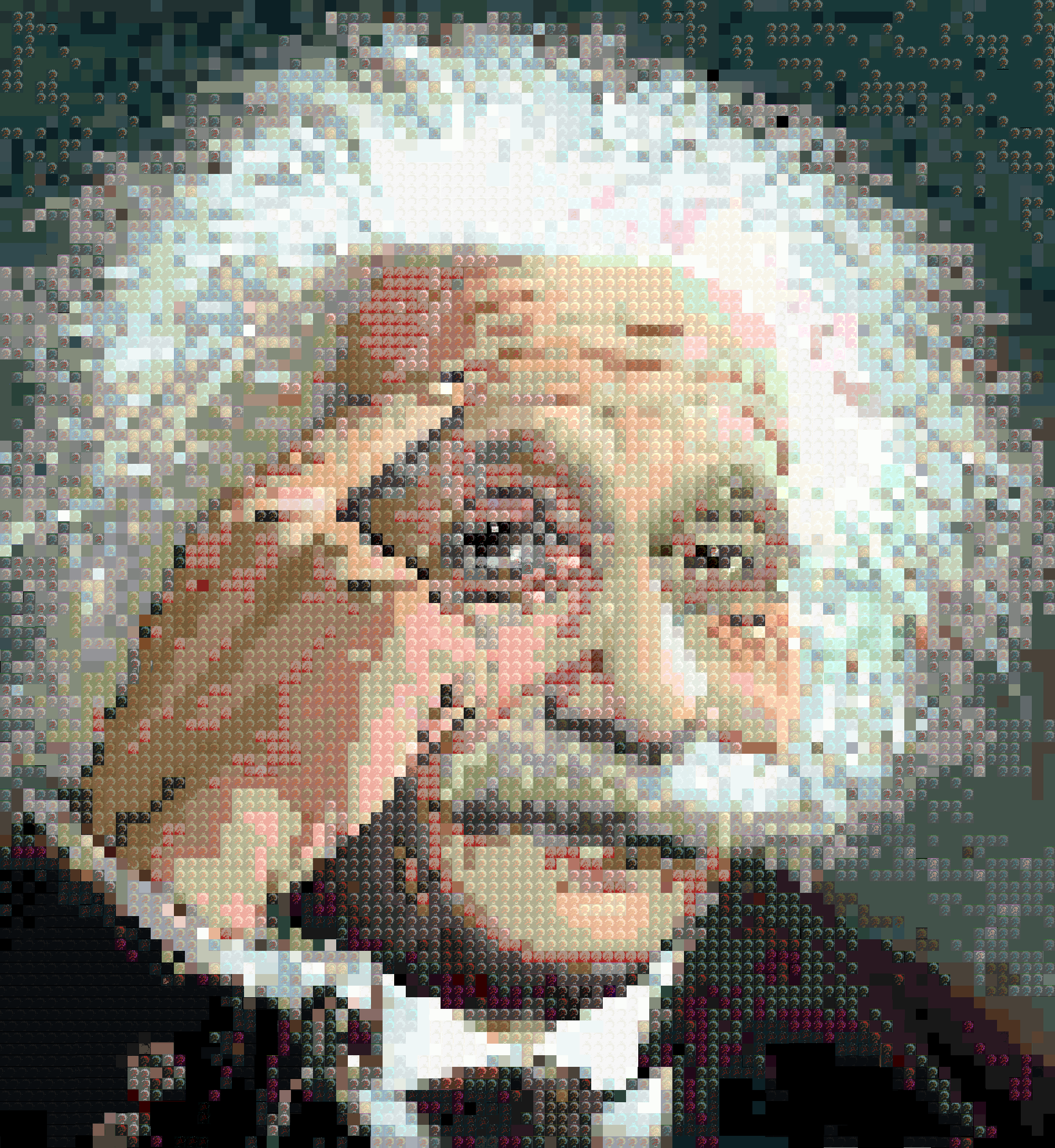
Understanding resolution Resolution is all about pixels which stand for picture elements. This is a tricky concept. With an analogue picture, it is hard to define but with digital it is a bit easier. A rough definition is "The smallest indivisible bit of a picture". Think of it as:- The grain in film negatives or a transparency. This is an over simplification, in reality it is more complicated than this, but it is only a rough approximation to help understand.
Aside: (you may skip this.) You will notice that although the text is black, the enlarged version shows coloured pixels. I used to think that this was due to the way the human eye worked and was linked to chromatic aberation. The correct answer is to do with the red/green/blue dots on the computer screen. You can see a discussion here: graphicdesign.stackexchange.com. |


[ next ]